Part 6: CAPEv2 for Malware Analysis - Preparing the Guests for Malware Execution
Important resources to follow along with:
Creating a Windows 10 21H2 VM#
From the docs:
For analysis purposes, it is recommended to use Windows 10 21H2 with User Access Control disabled.
We know how to create a Windows VM, the steps wont be covered in this blog post.
There’s resources here for that though:
- There’s an excellent post by 0x4d5a here that covers guest VM creation for malware execution: https://4d5a.re/proxmox-cuckoo-a-powerful-combo-for-your-home-malware-lab/
- Also a great video guide
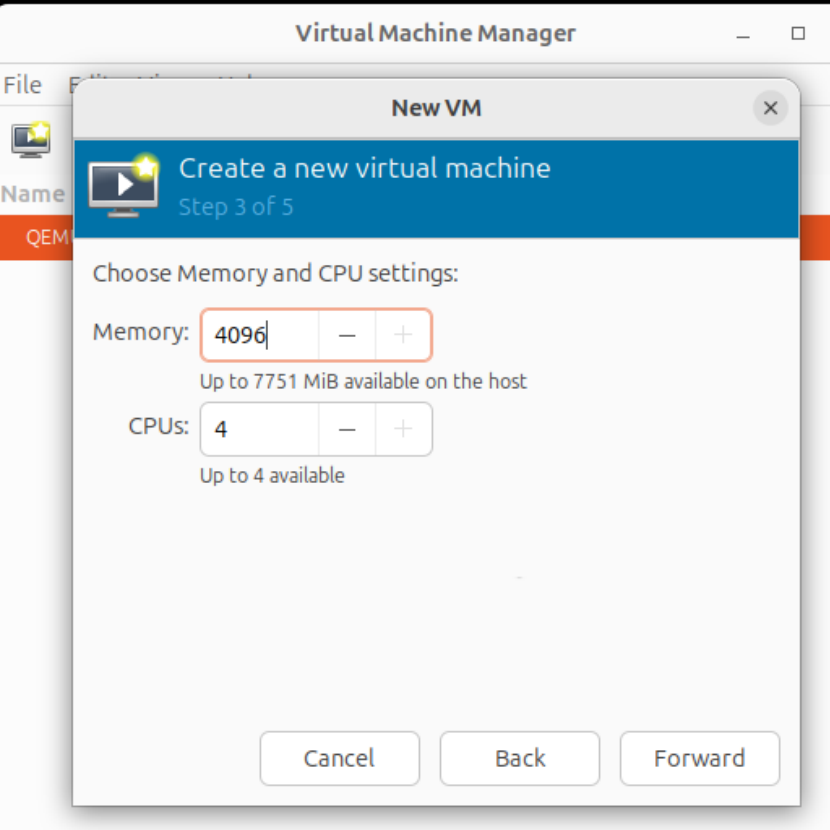 2. I picked Windows 10 Pro in the installation wizard when Windows is
booted from the iso.
2. I picked Windows 10 Pro in the installation wizard when Windows is
booted from the iso.